

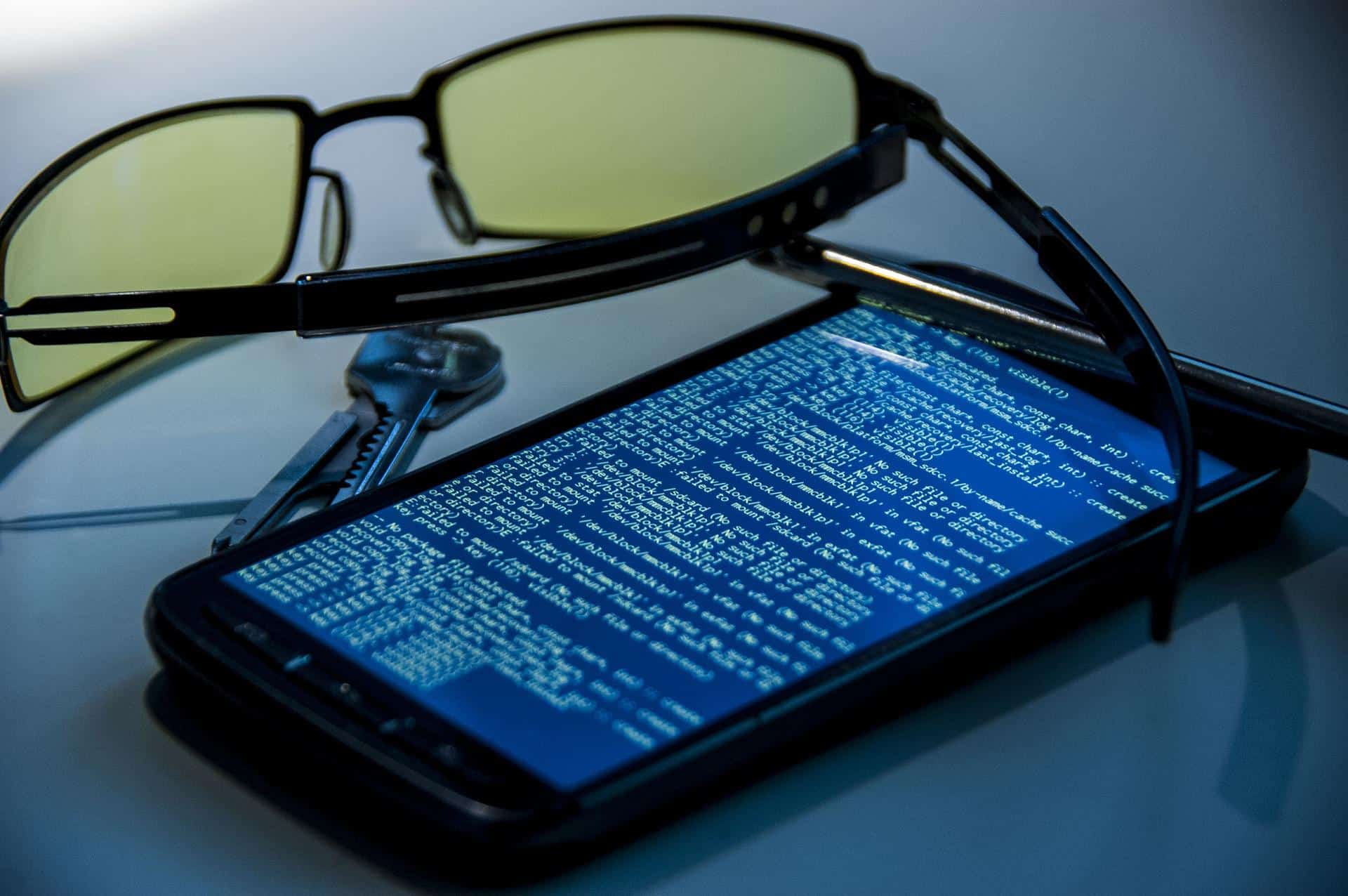
So what is cell phone hacking?
Kathleen had just hung up from an important and private phone call with a family member. As a family oriented person, keeping up with family and close relatives was important to her. She had asked them to find out some information for her and, also, to secure some items that she needed, but didn’t want anyone to know about as it was a personal matter.
About a day afterwards, Kathleen noticed that some acquaintances (not friends) mentioned items and bits of information from her phone call almost word for word. What made it startling was that this had happened on other occasions, but she just chalked it all up to coincidence. Later on, she found out that all her cell phone calls and text messages were not only being hacked but leaked out to people she knew.
Someone in her circle of acquaintances had accessed her calls and texts and related bits of her private business to friends and foes alike: and it had been going on for longer than she realized, Kathleen had been a victim of cell phone hacking, and her online safety was compromised.
Is Cell Phone Hacking Really Serious?
The CBS News item of July 16th 2013 relates that a cyber-company named iSEC partners demonstrated how texts, cell phone calls and other information was fully disclosed on the Verizon smartphone through the use of a device called femtocell which can be bought for under $300.
The purpose of femtocell, a wireless network extender, is to allow people to improve poor cell phone service. It is self-sufficient because it works like a mini-cell phone tower. Employees of iSEC were able to hack into the device and discovered that it could pick up the signal from phones in a 40-foot radius and read all messages transmitted – such as passwords typed online during banking or sensitive corporate emails.
Although Verizon was able to fix the problem, Tom Eston, the Manager of Profiling and Penetration at information security company SecureState, said this type of hacking was only the beginning. He went on to explain that vulnerability was not only among other Verizon devices but other carriers were liable for the same attacks because it was an element very difficult to control.
Mr Easton explains further that in the past, makeshift towers were made in attempts to capture signals and hack into phones, but the process was more expensive than the trouble it was worth. “The only people who could really do it are state-sponsored governments,” he said. “It’s really become much more practical and easier to do now that we have this new technology.”
The effects of hacking are far-reaching and Eston proves this by mentioning that it was definitely possible that spies with femtocell to sit next to the CEO of prominent companies and capture his or her calls, texts and data, or criminals walking on packed sidewalks could and pick up data from hundreds of unmindful smartphone users.
Mr Eston also mentions that ‘government hacking’ using femtocell was not necessarily a need because of the trove of data they had with the NSA. With technology so prevalent among common U.S. citizens, it is reasonable to suppose that the government would have the most sophisticated ‘tracking’ technology around. The police department alone can track and listen to phone calls to deter terrorist action; so imagine what the government can access.
How Criminals embark on Cell Phone Hacking
Not many people realize just how open and vulnerable to hacking their cell phones are. Using mini cell phone towers is not the only form of hacking criminals use. As simple as dialling your cell phone number and using a device to search through your phone data is a way of hacking into your cell phone.
The same security taken with a computer, or laptop should also be taken with your cell phone. You have to be careful what you say, or you’re your messages contain because there is a good chance that they can be intercepted. Technology is so advanced that people can listen to your calls, read your emails and text messages, access your photos, store and pass on your information to outside sources – and it doesn’t stop there once they get into your phone they can get access to the password for all your personal accounts.
Hacking can happen wherever you go. If you were to travel to another country and your phone is able to function then keep in mind that hackers are functioning as well. Information sent to your phone from your country of origin is easily transmitted to your phone and also open to hackers!
The problem is this; hacking is not reserved for criminal experts alone, hacking instructions can easily be found on the internet for anyone to download. During this year over a billion cell phones were hacked because of a lack of a secure password or no password at all. Many people are not even known of the fact that security software can be installed on their phones to protect them.
Three common methods of cell phone hacking are:
- Cell phone hacking devices for when your phone is off.
- Mini cell phone towers where outsiders can read off cell phone data.
- Hacking into phones and rerouting the info to an outside source.
Hacking through Bluetooth means that, even though your phone is off, persons can still access your info without your even being aware of it. By the time that happens, it is usually too late to protect your information.
Mini cell phone towers can tap into your phone texts and calls from a short distance. This means that someone could be watching what you text and listening to what you say without your even knowing about it!
The ‘man in the middle’ is when a person can get into your phone’s operating system, and pass the information onto unscrupulous persons who just wait for information to come to them.
How to Find Out if You Are a Victim of Cell Phone Hacking
Using a cell phone is simple and less complicated than using a computer, but the dangers of hacking are the same for cell phones as for laptops. Discovering that your private conversations and text messages are being monitored by intruders is a very unpleasant situation to find yourself in. All of your transactions can be hacked into and downloaded. Now is a good time to find out if you are a victim of cell phone hacking!
How to Find Out If You Are a Victim of Cell Phone Hacking
The first thing to do is to pay attention to any sounds made during calls on your phone. If you hear strange, unfamiliar clicking sounds in the background of the conversation, notice that you or the caller’s voice is echoing, or notice any white noise, this can definitely be an indication that someone is trying to connect, hack and listen in.
If your phone lights up all by itself even when you are not using it then check it out. If it turns on, or off by itself be sure to check that out as well. Some phones can be controlled through remote access via radio control.
Feel your phone and its battery to see if they are excessively hot. If they are hot when you touch them then chances are that spyware software is being put to use on your phone.
Be sure to check your phone bill and keep track of all charges. If you are charged double, or triple for every call or text you made, it means that spyware is being used to send your transactions to other persons and websites. Your information is then downloaded, your number is accessed and other people are running up your bill by using your number.
Cell Phone Hacking: Protect Yourself
High technology allows us to use our cell phones as though they were mini computers. They can send emails, browse the internet, download and upload information and sign in to accounts. Even though all of this makes it convenient to continue that important business transaction, or see photos of your child wherever they are, the same technology also makes your phone easily accessible to hackers.
Storing and sharing information on your phone is very risky and is something you will do automatically without giving it a second thought. Taking steps to protect your phone from hackers will keep what you put on it safely. Below are steps you can take to maximize the protection of your phone and its use as well as protect it from cell phone hacking:
- Keep your phone close to you and secure it in a place that is difficult for thieves to get to. Use a case, or strap near to you rather than something easy to snatch. Thieves will think twice before they steal your phone if you have it secured safely.
- If you suspect that your phone has been hacked, or if the phone is stolen, be sure to contact your service provider right away. This can save you spending money from unauthorized use of your phone. Before you purchase your phone, ask your carrier if they provide insurance against this. Finding out afterwards will make you liable.
- Use a strong password to lock, or unlock your phone before your (or anyone else) can use it. Make sure it is a strong password and not something (like a phrase) commonly known to everyone.
- Hacking through Bluetooth is one of the fastest and easiest ways for anyone to get to your phone. It doesn’t take a crack criminal to hack through this vein. Be sure to turn your blue tooth off unless you are using it, this will prevent wireless intrusion.
- If anti-virus software is available for your phone download it and keep it updated. Be sure to ask your service provider if this software is available for your phone and, also, check your phone manual to see if there is software for your phone. As simple as downloading a link from an email on your phone can cause it to pick up a virus, so anti-virus software should be considered.
Cell phone intrusion is not something you have to put up with. No matter who your carrier is, or what type of phone you have, hacking can be prevented by installing mobile security products. These products can be purchased in stores or online and are just as important as internet security is for your computer.
Don’t Let Hackers Get Away; Report Cell Phone Hacking!
Your cell phone is not only your own, personal, mini, electronic phone and address book, it also holds personal information and private material. If your phone is internet compatible then it means that it is also connected to your email. Imagine what would happen if someone got into your phone and took this information without your knowledge? Once they got that, they would have access to everything online about you.
If your phone is hacked, get in touch with the FBI and your service provider immediately. To get in contact with the FBI, go into google and log on to the site. Find the Contact Us button and select FBI Tips and Public Leads. This is the form in the Reporting Crime section that you can fill out with all the prevalent information and submit to them. Be sure to put your personal information in (ex.. name, address, etc.) so that they can get back to you. Give as many details as possible. If you want to make the report over the phone call the FBI number 800-225-5324
To make the report to your service provider, contact them online (calling would be better because you are more sure of a speedy response) and give them the details of what happened and why you suspect hacking. Try to get a new number to discharge any charges that were acquired during the hacking.
I was assisting a customer the other day who came to use the internet. They were trying to access their email and could not find an important document that was sent to them from a prospective client. The item was an invoice for work they had done previously.
After a fruitless search that lasted for about an hour. They gave it up. I asked them what was wrong and they informed me of what happened. They told me that it was quite possible that it disappeared from advanced software available online that allows people to access your emails. This woman was robbed!
Building awareness about the dangers of hacking and what to expect is something that should be done regularly. Phone companies and mobile service providers should have pamphlets available for customers which detail how to protect them from hacking and how to prevent it in the first place.
How to hack a cell phone text messages
Hacking internet email and cell phone messages is beneficial and in some cases necessary. When security is an issue, or safety is a priority, individuals set out to learn as much as they can, about any person or entity that poses a real threat. Even in relationships, the intentions of one person’s motive are questionable. Before the relationship can develop any further trust must first be established.
However, it is a known fact that everyone is prone to secrecy. No one really tells all there is to know about their life, their accomplishments or their past mistakes. No way individuals find the answers they need is by hacking someone’s cell phone. Websites show users “How to hack a cell phone text messages” without getting caught. The first step is to find a software program that is designed specifically for this purpose.
The best hacking software is listed below, as well as instructions on “How to hack cell phone text messages.” The list identifies 3 of the most popular phone hacking software on the market and their prosperities. To ensure the hacking process is accurate, try hacking a personal phone first. So if there are any mistakes, they can be corrected, before hacking the target phone.
Step 1
Acquire the cell phone iPhone IP address. Use the content configuration information to connect to a sftp. The host name is (sftp), and the username (root) and password are (alpine). This is the most crucial step in setting up the hacking platform.
Step 2
Chances are an unknown host key might pop up. This is to be expected. The message reads something like this: You have no guarantee the server is the computer you believe, trust this host and carry on connecting? Do not worry though, just ignore the message and press ok or enter to proceed.
Step 3
This step brings up the entire directory listing. Once inside the directory, everything on the phone is visible. What programs are listed, their root extensions, the sizes of the files and more.
Step 4
In this step, try to locate the directory which contains the SMS data. This may read something like: /private/var/mobile/library/SMS. Now once the file is in clear view proceed to download the phone’s SMS file, which reads: sms.db.
Step 5
This is where the hard work pays off. In this step, commence opening the phone’s SMS database. This is accomplished by using a popular SQLite browser. Now select the message on the table that says “HOPP.”
Hacking most phones is completed in simple, easy to understand steps. However, there are Spy mobile programs that do all the work in less time.
Text Hacking Software
StealthGenie is considered one of the most popular spying and hacking software in the spy industry. This advanced software text hacking program works on some of the most popular mobile device platforms in the cell phone industry such as Android, iPhone and Blackberry. Here is a quick installation guide to each of these platforms.
Android
Access the setting on the phone, select security and check unknown sources. Next, open the phone’s internet browser and click on the URL image. Once the SG is downloaded and installed, click on the file to open it. The app installer has to be downloaded first and then the program. Once the installation processes have been completed, press the “done” button to confirm that the application has been installed.
When the activation screen appears, enter the activation code that came with the welcome email. Select administration on the activation page and after the message reads: “Service successfully activated”, press the close button. At this point, the SG installer can be uninstalled, since it is no longer needed.
iPhone
To install StealthGenie, find the Cydia app and select it from the menu. Choose manage from the menu below, and choose sources. Now choose edit and then select add. Once the URL box is visible type in the download phrase and waits until the processing verification is complete. Once the process is complete select return to Cydia and enters into the mobile developer section.
Open the Developer tools section and click on MobileService. All the details should appear on the screen. Now select install and confirm, and wait for the installation process to complete. To activate the download, just use the activation code that came in the email and the rest is simple.
There are other software products that teach anyone “How to hack a cell phone text messages.” The process leading to cell phone hacking text messages is simple depending on which program is being used. Programs like Mspy, Mobile Spy and Spy Bubble are some of the top cell phone hacking software, which allows anyone to access text messages from any cell phone, regardless of the carrier.