

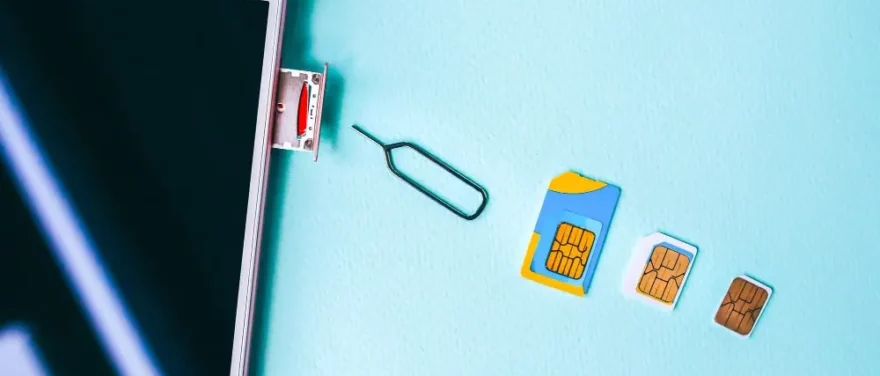
To keep all your data safe from cybercriminals and prying eyes, you’ve got to stay in the loop about the newest online security threats. Keeping your smartphone’s operating system up to date is as important as keeping your guard up to fend off any potential attacks.
In fact, it is not just your phone that is vulnerable to hacking; even a tiny SIM card can be a sitting duck for cybercriminals. In this article, we will spill some secrets on the sneaky tactics hackers can pull to crack open SIM cards and get their hands on devices without permission. We will also give you some guidance on how to lock down your SIM card and keep those attacks at bay.
What is the Point of SIM Card Hacking?
Mostly, SIM cards have a limited storage capacity of up to 256 KB, which can only hold approximately 250 contacts and very little more data. Although that doesn’t sound like much data, personal stuff can still harm you if they get into the wrong hands. Unfortunately, hackers can acquire your PII with only your phone number if they can get their hands on it.
Two-factor authentication (2FA) and multi-factor authentication (MFA) are significant features linked to phone numbers. Authentication codes are sent through email or text messages in many security procedures. Just think of what may happen if scammers or hackers had access to such sensitive data; they can use it as:

- Access your online accounts, including your social media and emails
- Steal your personal information and identity.
- Track and make phone calls and messages
- Get to your bank account
How Does SIM Card Hacking Work?
We are often completely clueless about becoming targets to cyber criminals who are on the prowl to steal our sensitive information. These hackers have a one-track mind to get their hands on our personal data and use it for their own illegal purposes. That is why you should understand how SIM cards can be hacked.
SIM Swapping
SIM card swapping has become one of the most widespread cyber threats in recent years. This type of SIM card hacking is multiplying. It has become a primary concern for many individuals and organisations alike. Many forms of social engineering have been used to trick phone companies into giving out new SIM cards.
Simply, scammers call phone companies and pretend to need a replacement SIM card by claiming they upgraded to a new device or lost their phone. Phone providers will replace SIM cards and disable old ones if they can verify some basic information.
The new SIM card will provide the fraudsters access to all communications, including 2FA and MFA SMS. When a SIM card is disabled, it can no longer accept or transmit calls or messages. Using an authentication app is strongly suggested over SMS text messaging due to the app’s ability to employ additional security measures such as face ID, PIN, or fingerprint.
SIM Cloning
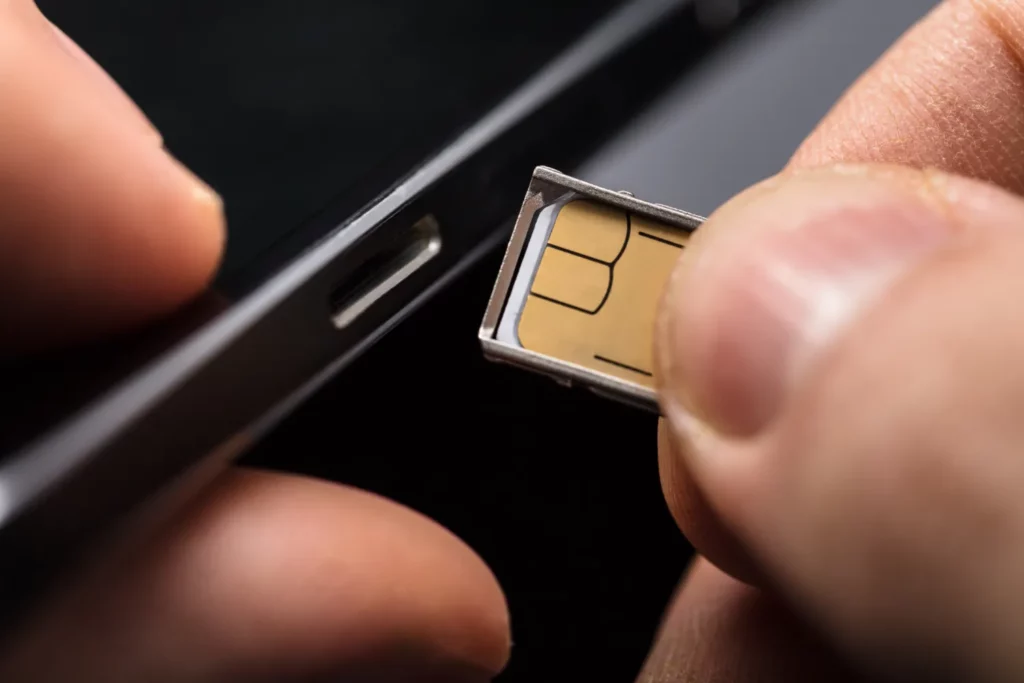
SIM cloning is possible if one can physically access a SIM card and then uses a SIM card reader to make a copy of the information stored on the card. The original SIM card will become unusable once the duplicated one is used in a new smartphone. SIM card writers may be purchased legally and affordably on the internet.
The hackers could use social engineering to have you send them your SIM card if they cannot verify your data with the phone company. They may claim to be from tech support and tell you to send in your phone for repairs or some such nonsense. Hackers with experience in this area may attempt to take your phone and clone the SIM card in less than five minutes while you’re out and about.
Simjacker
In 2019, a security vulnerability known as “Simjacker” was detected. The victims of this attack are sent a string of STK (SIM Application Toolkit) commands through text message. After gaining access, hackers may install spyware-like software to monitor your every call, text message, and GPS location.
The SIM Toolkit includes an application called the S@T Browser, which Simjacker uses to its advantage. The STK commands can run in the settings of the S@T browser, allowing for the collection of personal information.
Over a billion SIM cards worldwide are still in danger of hacking. Shockingly, this vulnerability has been identified in around 30 countries, putting countless individuals at risk of being hacked.
How to Know If Your SIM Card is Hacked
If you are worried that someone could have recently accessed your SIM card without permission, you should be aware of the following indications.
Your Phone Is Not Getting Calls or SMS Anymore
If you are not hearing a peep or seeing a buzz, chances are your SIM card has been cloned or swapped, and the one you’re holding is now as useless as a dead duck. It is reasonable to think so since a SIM card cannot simultaneously connect to multiple phone numbers.
A Request to Restart Out of Nowhere
If a SIM card gets hacked, the hackers can only use it once the original one is out of service. Only then can they activate their shenanigans. If you get one of these messages, call your phone provider immediately to check if any SIM card attacks have been going down. So, if your phone requires a sudden restart for no apparent reason, do not restart it until you check things out with your provider.
You Have Your Phone, But Its Location is Different
Many phones have a “Find My Device” option to check where your phone was last. So, if you see a different location on your phone, it might mean you got hacked since the location is connected to your SIM card.
You Lost Access to Your Account
If you find out that you can’t access any of your online accounts, even though you tried every password you can think of, nothing works. It’s a frustrating and scary feeling, and it is a crystal-clear sign that you may have been hacked. Since the authentication message was probably directed to the new SIM card, the hackers gained the ability to update your passwords and effectively lock you out.
Unusual Activity on Your Accounts
You should know that even if your phone is no longer receiving calls or texts, you may still receive a phone bill. You must monitor your billing statements to avoid any unpleasant surprises! Check your provider’s call logs to see if any strange or unrecognisable numbers have been logged. It is also possible that your account is associated with excessive subscriptions or data use.
How to Protect Yourself From SIM Card Hacking
Even though the world is becoming more aware of cybersecurity, SIM card hacking may emerge as a widely growing threat. As technology advances, authentication processes are becoming less secure, making it crucial to take extra measures to safeguard yourself from SIM card attacks. Here are some tips to help you stay protected:
Secure Your SIM Card From Socially Engineered Attacks
Since hackers can use the information they find about you online, like the names of your loved ones or your address, it is vital to take precautions to prevent SIM card swaps by keeping your personal information secure.
This is why being extra cautious about what you share online is crucial! With this data in hand, attackers will have an easier time fooling a customer service rep into thinking they are actually you.
Phishing is another sneaky tactic that can compromise your SIM card. Stay alert and protect yourself against this threat to keep your SIM card safe, and beware of hackers who may attempt to phish out your personal information in order to clone your SIM card. Stay vigilant for any emails or login pages that seem suspicious. Additionally, be cautious when entering your login credentials for any online account.
Finally, give some thought to the two-factor authentication methods you employ. Certain two-factor authentication services utilise SMS texts to deliver authentication codes to your device, which is not the greatest option since hackers might acquire access to your accounts if your SIM card is hacked.
An alternative authentication method, such as the Google Authentication app, is recommended. By connecting the authentication to your device instead of your phone number, the security against SIM card swaps is increased.
Lock Your SIM Card
SIM card locking is an additional line of protection against SIM attacks. Adding a PIN code is a crucial security measure that you should implement to protect your sensitive information. By doing this, anyone attempting to change your SIM card will be required to provide the PIN code.
Make sure you remember your network provider-issued PIN before attempting to lock your SIM card. To start the setup process, go to the Settings menu on an Android device, then proceed to the Lock screen and security section. From there, select Other security settings and choose to Set up SIM card lock. Then, you can turn the Lock SIM card option on.
For iPhone users, go to Cellular on the Settings menu, then click on SIM PIN (on an iPad, it says Mobile Data instead of Cellular). From there, you can confirm your PIN code to activate your SIM card lock.
Additional Security Tips
It is recommended to use unique and strong passwords for better security. Generally speaking, you should never use an old password again, nor should you use the same password for several accounts. Furthermore, when choosing recovery questions, do not go for the ones with easily accessible answers like your pet’s name or something similar. On top of that, avoid doing the following:
- Share personal, sensitive information online or offline.
- Open suspicious URLs or click on links from unknown sources.
- Leave your phone in a public place where someone could easily take it.
How to Handle SIM Card Hacking
If —God forbid—you found out that your SIM card has been hacked, first, you should contact your phone company to let them know that someone has tried to use your SIM card without authorisation by switching or cloning it. Provide evidence of your physical location, shady account activity, or financial transactions that can’t be confirmed.
Notify the relevant financial institutions if any additional accounts have been stolen. And, even if you believe your credentials were not breached, you should update them immediately.
SIM card hacking is a growing concern that can cause serious consequences to those affected. This sneaky tactic can snatch up your personal information, financial data, and even your identity! However, it’s not impossible to protect your SIM card from such attacks. You only need to know how to secure it and what to do if you actually fall victim to SIM card hacking.